
Overview
The Loxo plugin provides Gutenberg blocks for all job display components. These blocks offer the same functionality as shortcodes but can be used directly in the WordPress block editor with a visual interface.
Available Blocks
All blocks are found under the Loxo category in the block inserter.
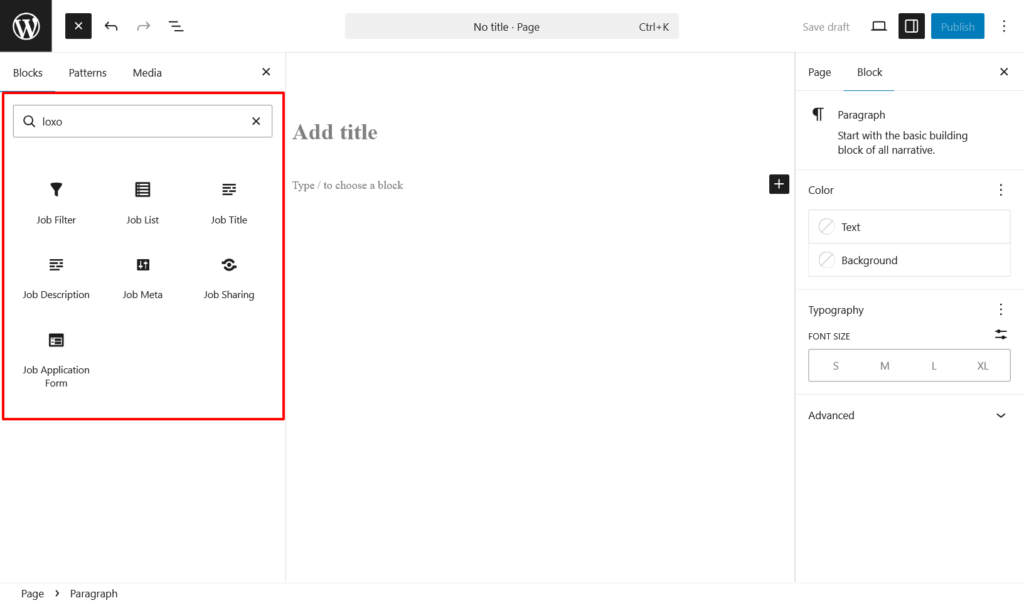
- Job Filter — Displays a job search and filter form. Equivalent to
[loxo-jobs-filter]. - Job List — Displays a grid of job listings with pagination. Equivalent to
[loxo-jobs]. - Job Title — Displays the title of a single job. Equivalent to
[loxo-job-title]. - Job Description — Renders the full job description content. Equivalent to
[loxo-job-description]. - Job Meta — Shows job metadata such as salary, job type, and location. Equivalent to
[loxo-job-meta]. - Job Sharing — Displays social sharing buttons. Equivalent to
[loxo-job-sharing]. - Job Application Form — Renders the application form with name, email, phone, and resume upload. Equivalent to
[loxo-job-application-form].
Usage
- Open the page or post in the block editor.
- Click the + block inserter.
- Search for “Loxo” or browse the Loxo category.
- Click the block to insert it.
Building a Jobs Page
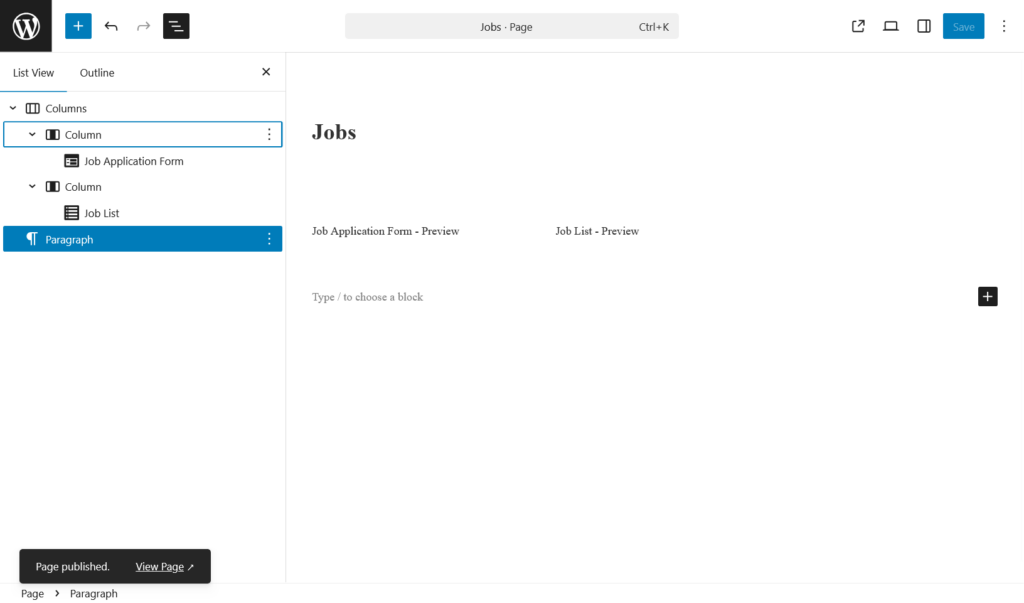
A typical jobs listing page uses two blocks:
- Add the Job Filter block at the top for search and filtering.
- Add the Job List block below to display the job listings.
Custom Single Job Template
For a custom single job layout, combine the individual blocks in the desired order:
- Job Title — at the top
- Job Meta — salary, type, location details
- Job Description — full job content
- Job Sharing — social sharing links
- Job Application Form — application form at the bottom